Trending events
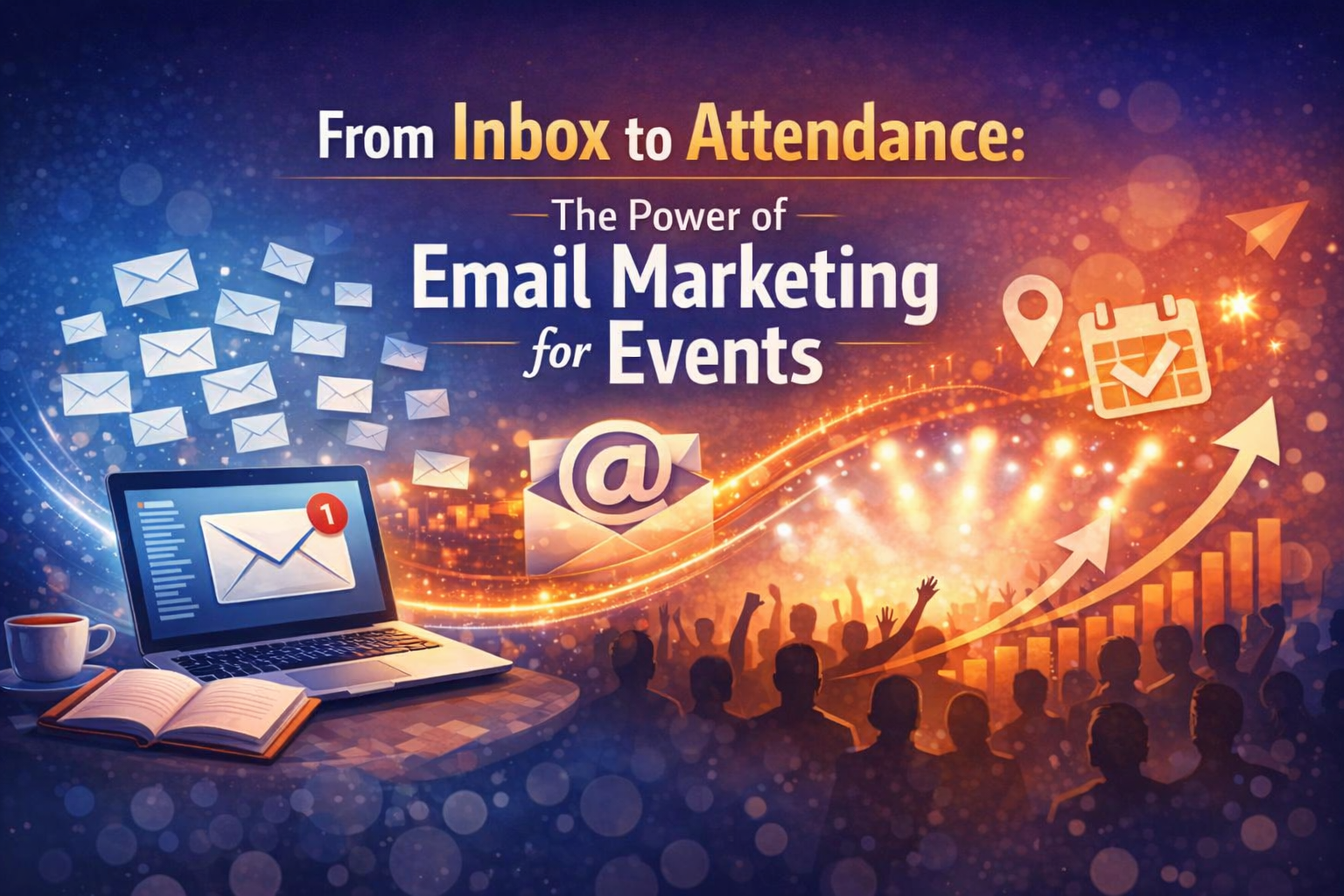
Email marketing is one of the most effective ways to connect with your event buyers. With TicketKart’s Email Campaign feature, event organisers can easily inform attendees about upcoming events, updates, and important announcements. This step-by-step guide explains how to create and send an email campaign using TicketKart.
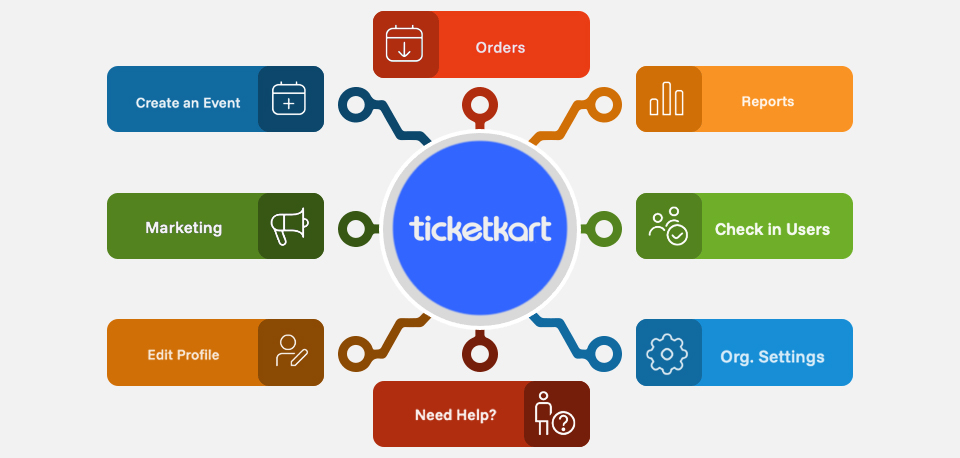
Log in to your TicketKart dashboard and navigate to the Marketing section. Click on the Email Marketing button to begin.
Under the Marketing section, click on Email Campaign. This will open the campaign dashboard where you can view all existing campaigns and create new ones.
Click on the New Campaign button.
Enter a suitable campaign name that helps you identify the purpose of the email, then click on the Get Started button.
The content page will now open. Here you need to:
Select an upcoming event from the dropdown list
Enter the email subject
Write your email content using the built-in editor
You can also personalize your email by using placeholders such as:
Name
Contact Number
Event Name
If you are not ready to send the email immediately, you can save the campaign as Draft and continue editing later.
The email campaign is designed to send notifications to each buyer of the selected event, ensuring that only relevant attendees receive the message.
Before sending the final email, you can click on Send Test Email to preview how the email will look in the inbox. This helps you verify the subject, content, and formatting.
Once everything is reviewed and finalized, click on the Send Email button.
The email will be successfully sent to all buyers of the selected event.
TicketKart’s Email Campaign feature makes it simple and efficient to communicate with your event attendees. From creating drafts to sending test emails and final notifications, every step is designed to help organisers run effective email marketing campaigns and keep buyers informed.