
Search Events

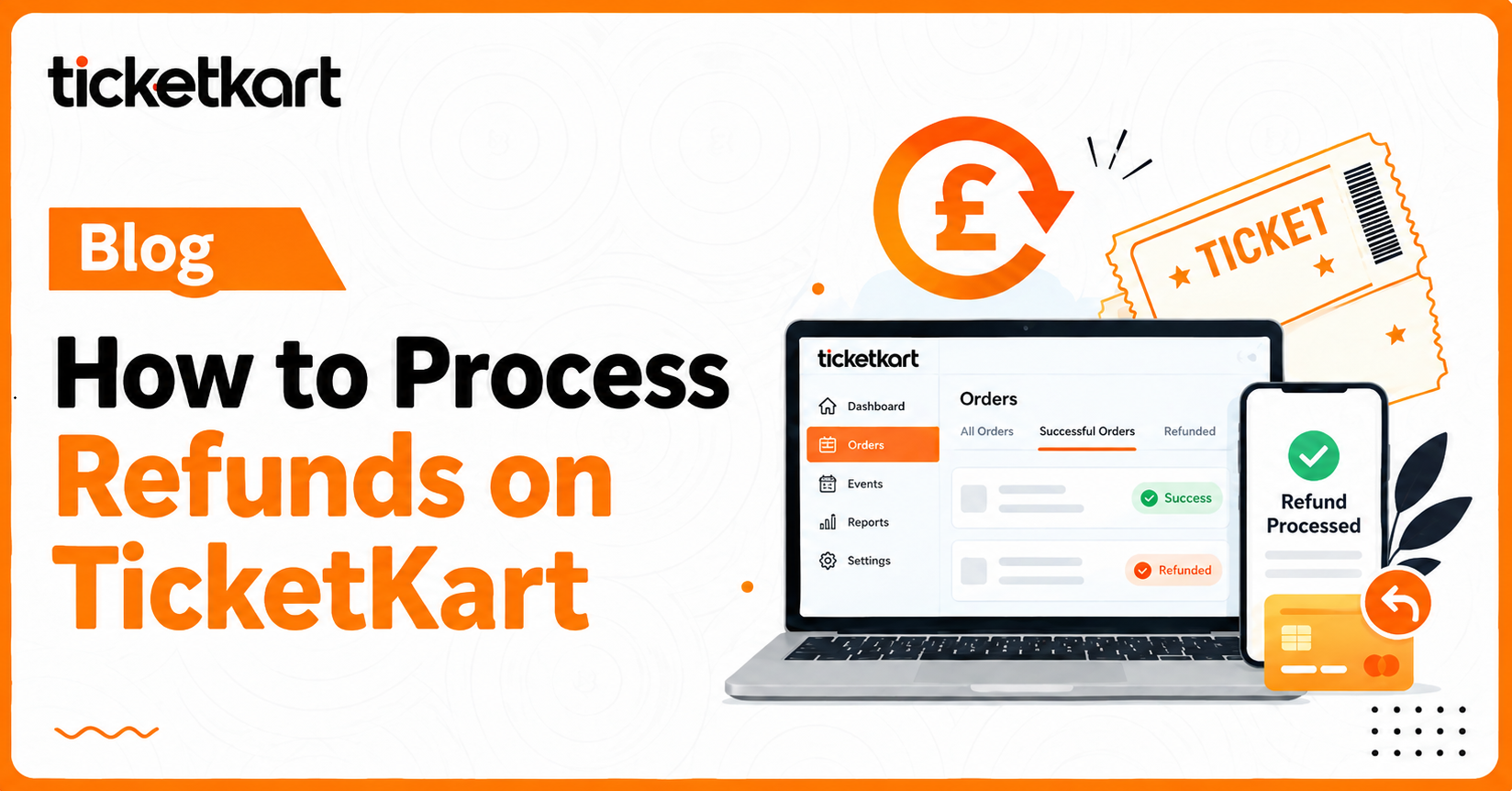
How to Process Refunds on TicketKart

Vikash

13th October 2026 . 2 min read

Blog Image

TicketKart allows organisers to manage ticket refunds through a simple process. Follow the steps below to refund an order using a Stripe-connected account or a bank account.
1. How to Process a Refund with Stripe
Step 1: Open Orders

Log in to your TicketKart organiser account and go to Orders -> Orders Summary

Step 2: Select the Order

Find the order you want to refund. Click the three-dot menu or open the order details, then select Refund/Cancel.


Step 3: Enter Refund Details

Select the cancellation reason and select the refund method. Click Review Before Cancelling to check the details.


Step 4: Confirm the Refund

Review the information and confirm the refund. Once successful, the order status changes from Success to Refunded.

Note: Refund Process for Bank Account
  • Wait for Ticketkart support team Approval: The refund request is sent to the Ticketkart support team. The status remains Requested until the request is approved and the refund process proceeds.
  • Check the Refund Status : Once the refund is successfully processed, the order status changes to Refunded, and the tickets becomes invalid for check-in.
Conclusion

TicketKart makes it easy for organisers to manage refunds. Stripe-connected organisers can initiate refunds through their connected payment system, while bank-connected organisers must follow the admin approval process.

 

Share On :

Related Posts